



App 4 is here
The view from here is better. We've made it to basecamp on a longer journey to 'Peak App'. We want you to like it more, but need it less, by reducing the number of steps to get where you're going.
We want to shift focus up, from your phone to your home.
Download the LIFX app and get connected.



Swipe, swipe
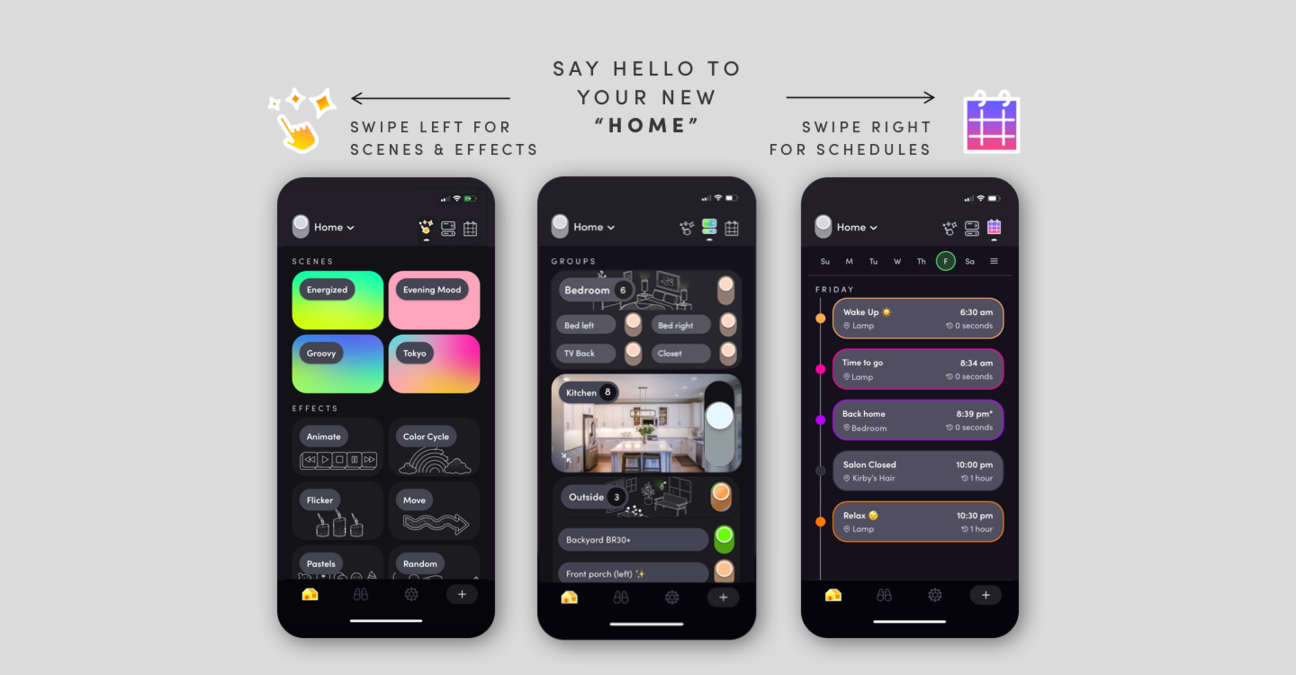
Within the Home screen, you'll be able to access and control all the lights in a location from the Dashboard. From here, swipe left to access Scenes and Effects, and swipe right to see your Schedules and Day & Dusk.
Dashboard
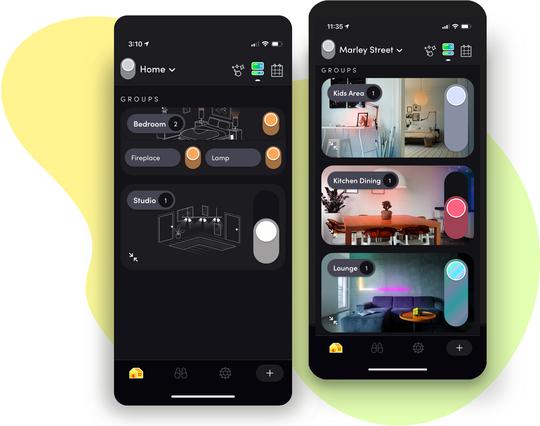
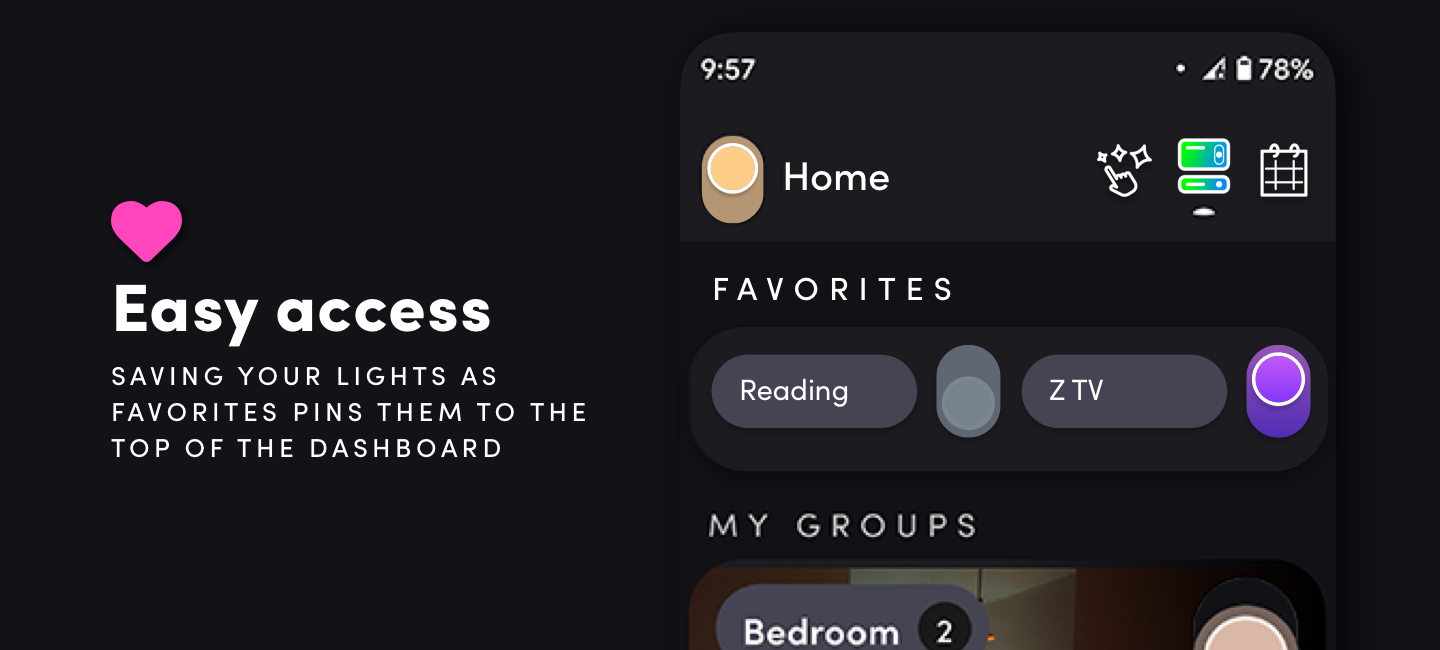
Offering easy shortcuts for your thumb, the Dashboard allows you to control a whole group via the slider, or expand to view individual lights you can tap on and off.
Customisation
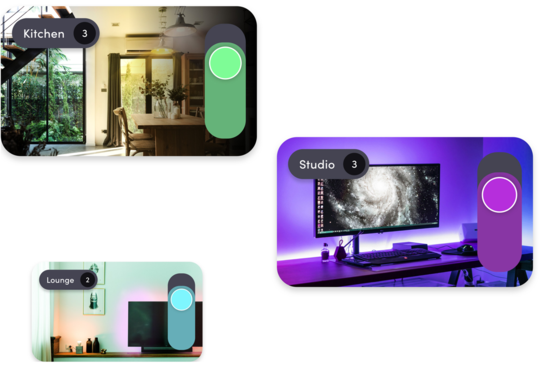
Tap into Group Settings to choose an illustration to match, or even better, pick a photo that really shows the mood of the space. Why not use a photo of every room lit up? (But we get it. Some of you will have multiple pictures of your cat. Or goldfish. You just do you).
Scheduling
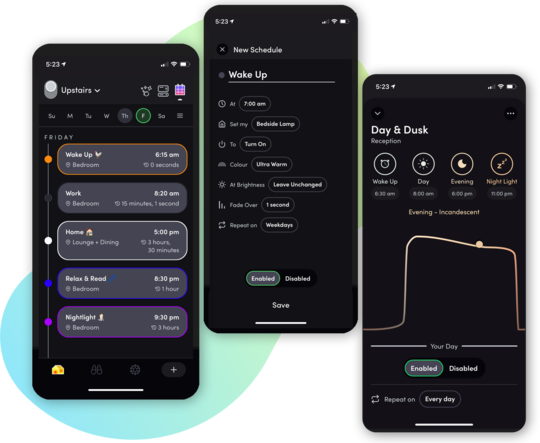
Schedules, including Day & Dusk, are now all in one place. The scroll down view makes it easier to see what you've set and for when.
Scenes & Effects
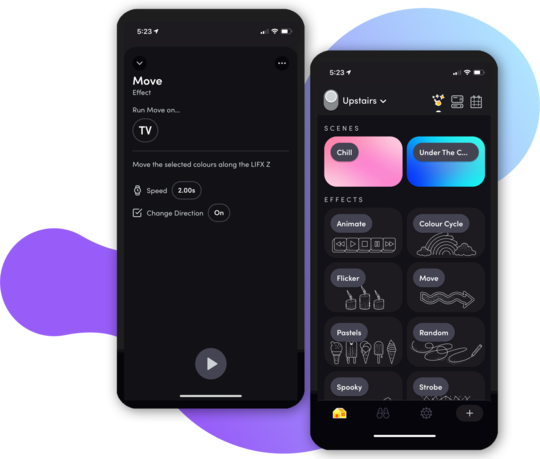
LIFX Effects are showstoppers. Flame, Flicker or Move, you can now start with the effect and target the exact lights you want. Find them grouped under the scenes you've created & saved to set the mood. A single tap will activate what you've programmed.
Developer Zone
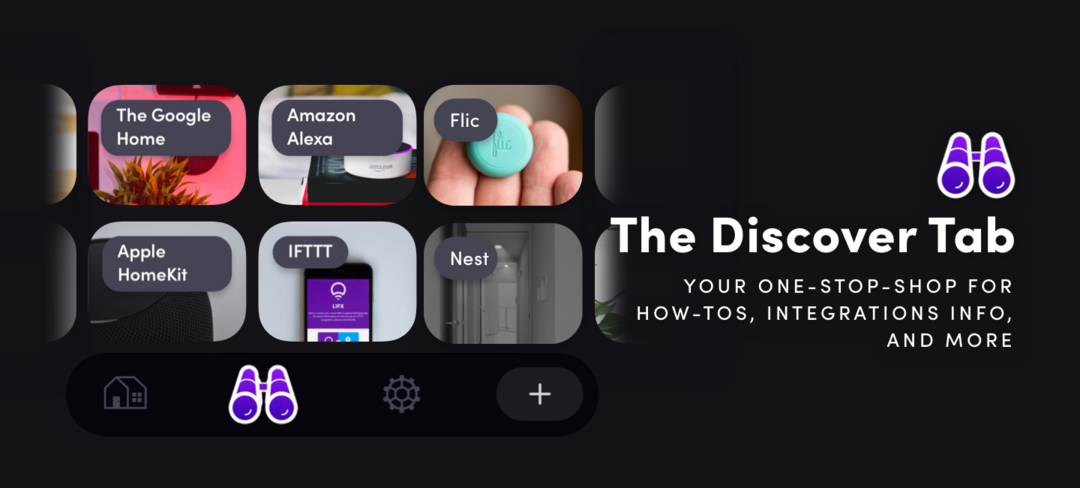
For further information about the new app, including FAQ's, tips, guides and more, click here.
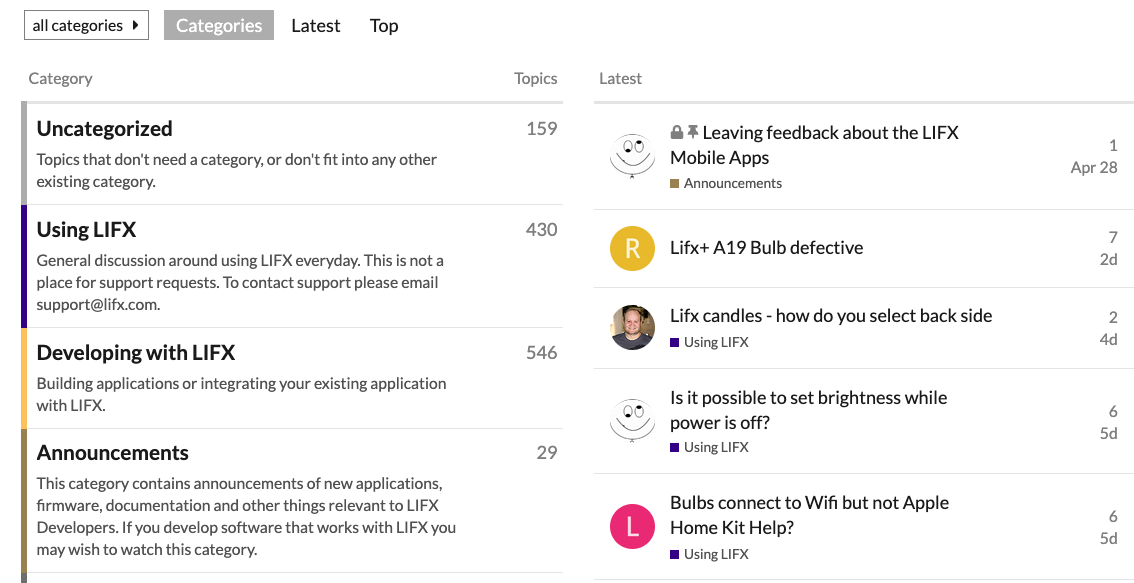
Integrations Directory.
Learn and discover how LIFX makes connections with your favourite tech, apps, and web services.
LIFX & IFTTT
IFTTT is a powerful service that can connect your LIFX bulbs with the apps you love. Connect your LIFX with apps such as Facebook, Twitter, The Weather Channel and even your phone's GPS.
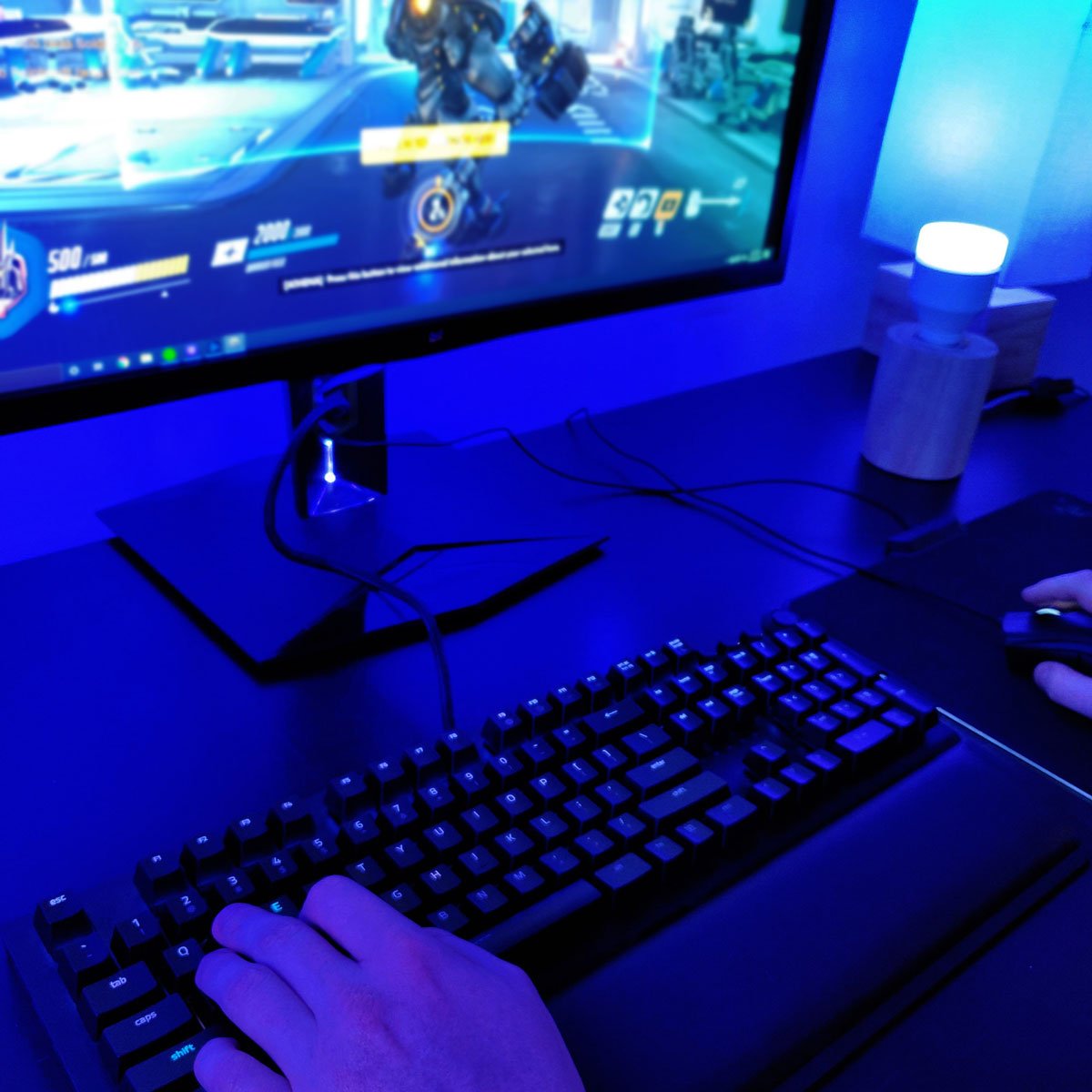
LIFX & Razor
Introducing the LIFX Chroma Connector. An application allows users to connect the entire range of LIFX products to Razer Chroma devices. Available on Razer Synapse 3.

LIFX & Flic
One-click, two-click, hold. Flic can trigger LIFX in three different customisable ways. Dim the lights or trigger dozens of smart home actions with a single click.
Support
For further information about the new app, including FAQ's, tips, guides and more, click here.
- Download the LIFX app and get connected.

More than your average smart light
Take a closer look at LIFX - a line of energy-efficient, multi-color, Wi-Fi enabled, digital addressable LED light bulbs that can be controlled via a Wi-Fi equipped device such as a smartphone or smartwatch. Connect your lights with IFTTT, Amazon Alexa, Samsung SmartThings, Apple HomeKit, Flic, Nest and all major voice assistants.
For Fun

It's Day and Night
Balance your morning and evening needs with a huge range of whites. Use the Day & Dusk feature in the app to let the lights change and assist your sleep through helping your circadian rhythms.
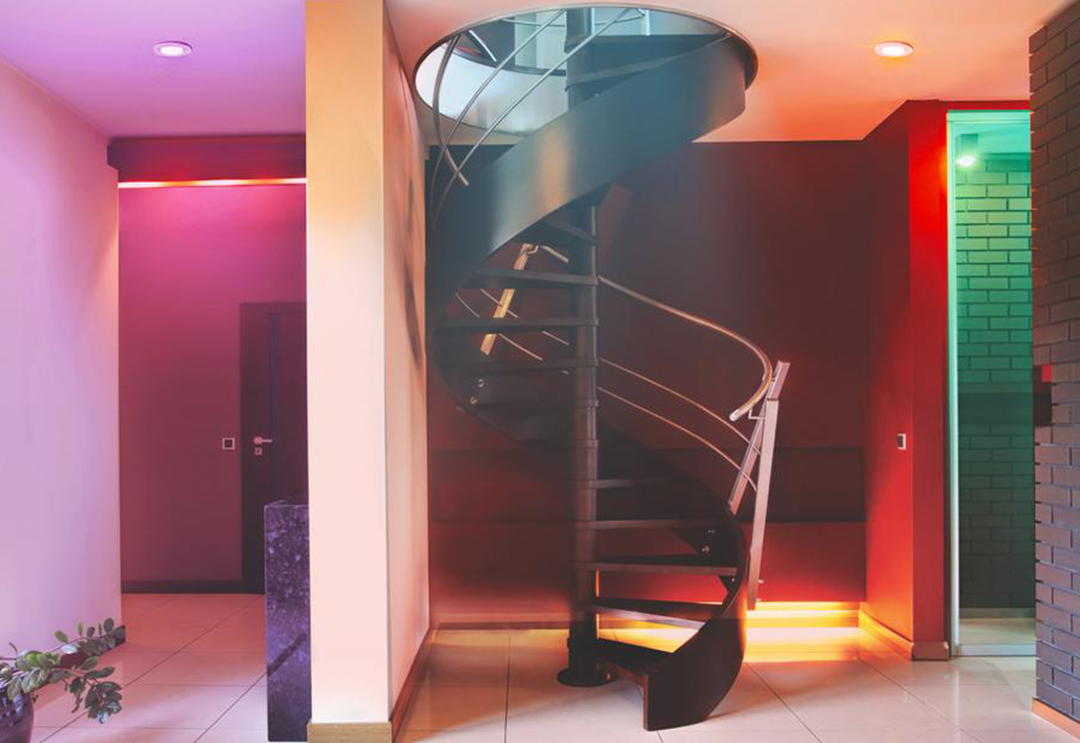
Kickass Colour
It's hard to exaggerate the impact that LIFX's unique color depth has on a space. Whether subtle tints for entertaining, selecting Spooky effect for kid-friendly fun, or drowning your home in red to help you sleep tonight, LIFX Downlights can be your new normal.
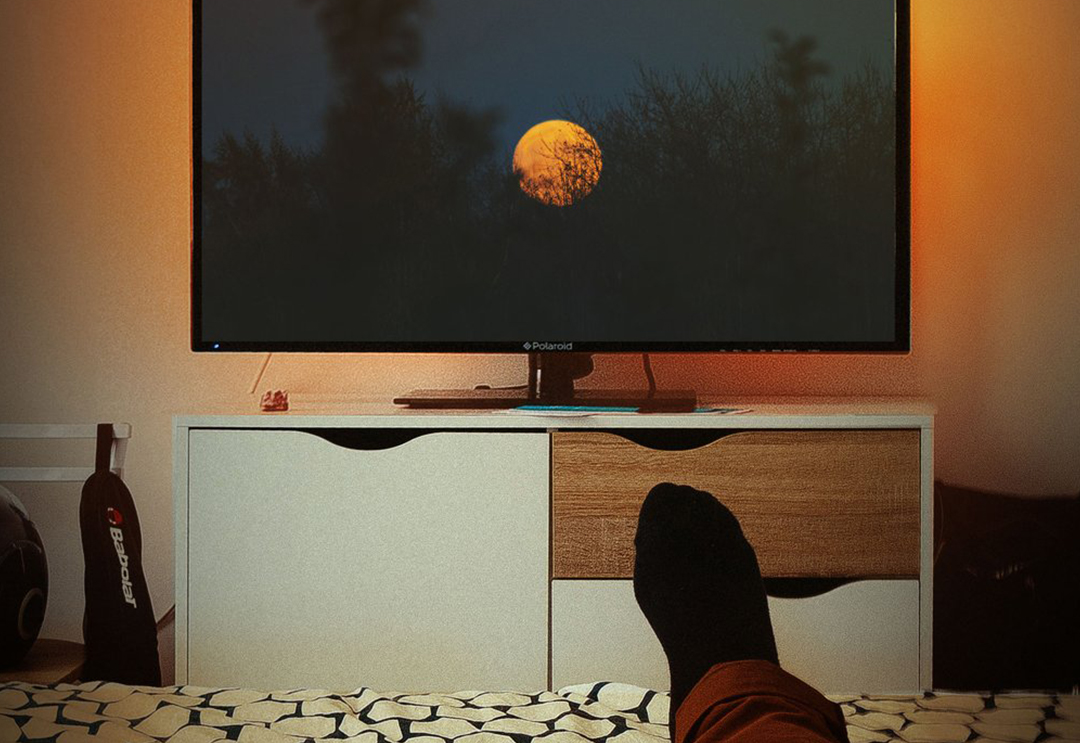
Set the scene
With the right backlighting on your TV, you can reduce eye strain. With a Z LED strip and the Theme "Bias Lighting", we made this especially easy.
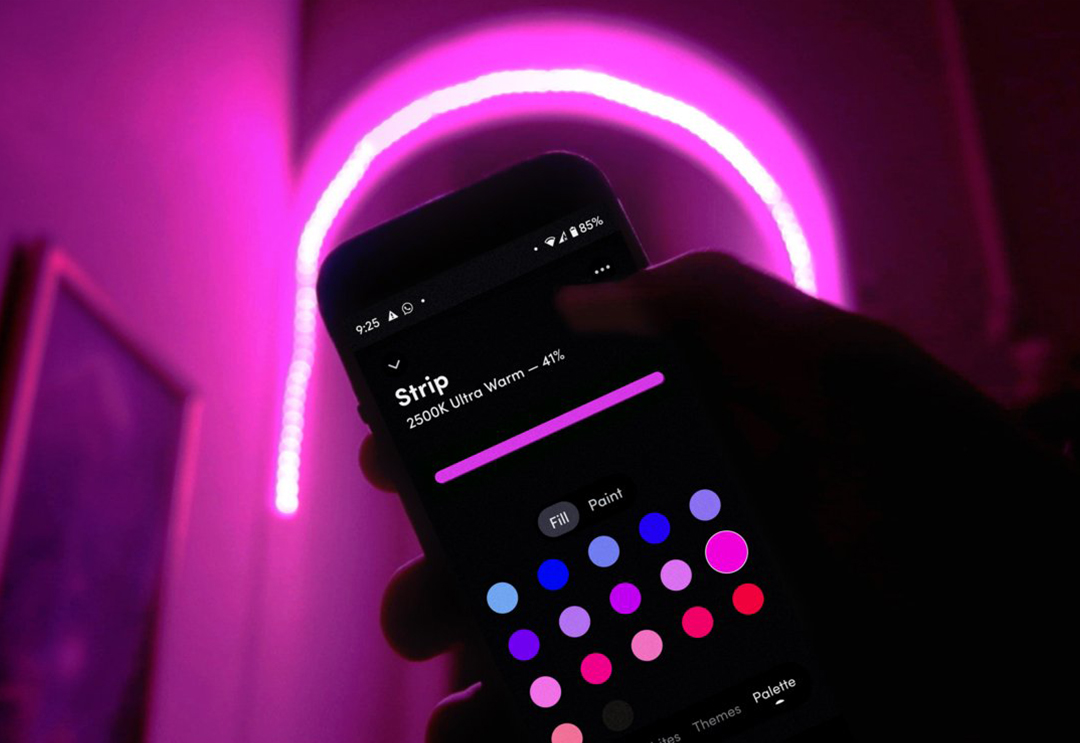
Effects
Uniquely addressable LEDs allow Beam and Z to enable effects like "Move" where light can orbit a TV or travel the length of a window frame.
For Security
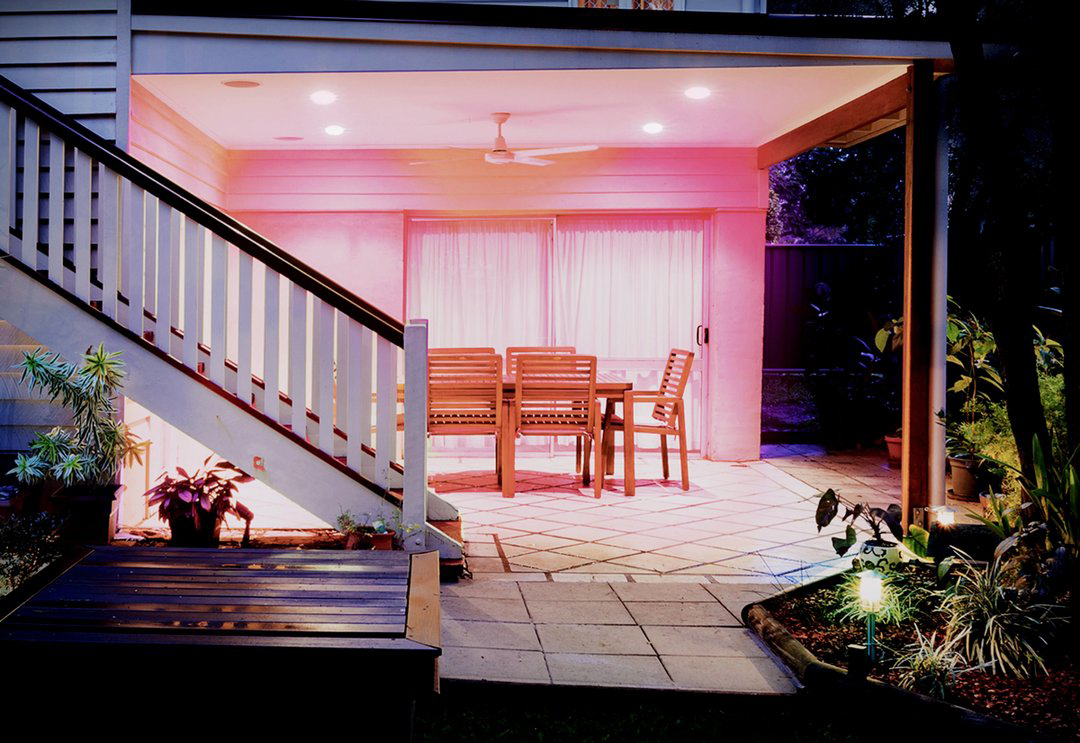
Brave the elements
The BR30 range will survive the elements as it has additional silicone water resistance. Both BR30 and A19/A60 range will also be trouble free in damp locations such as bathrooms.

Voice Activation
All LIFX lights work with all major voice assistants. Whether using a smart speaker or just your phone - why not try it out now? Change color, dim, on/off and lots more.
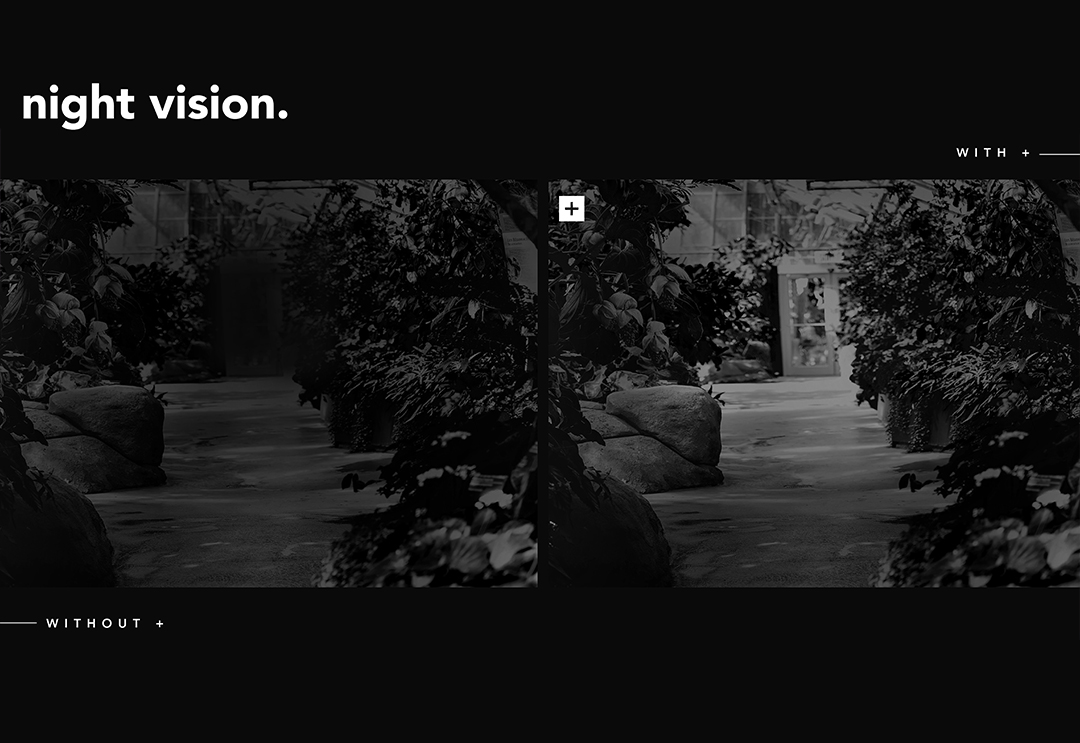
Night Vision
Choose additional water resistance, Infrared 'night vision', or even both at once.
For Office
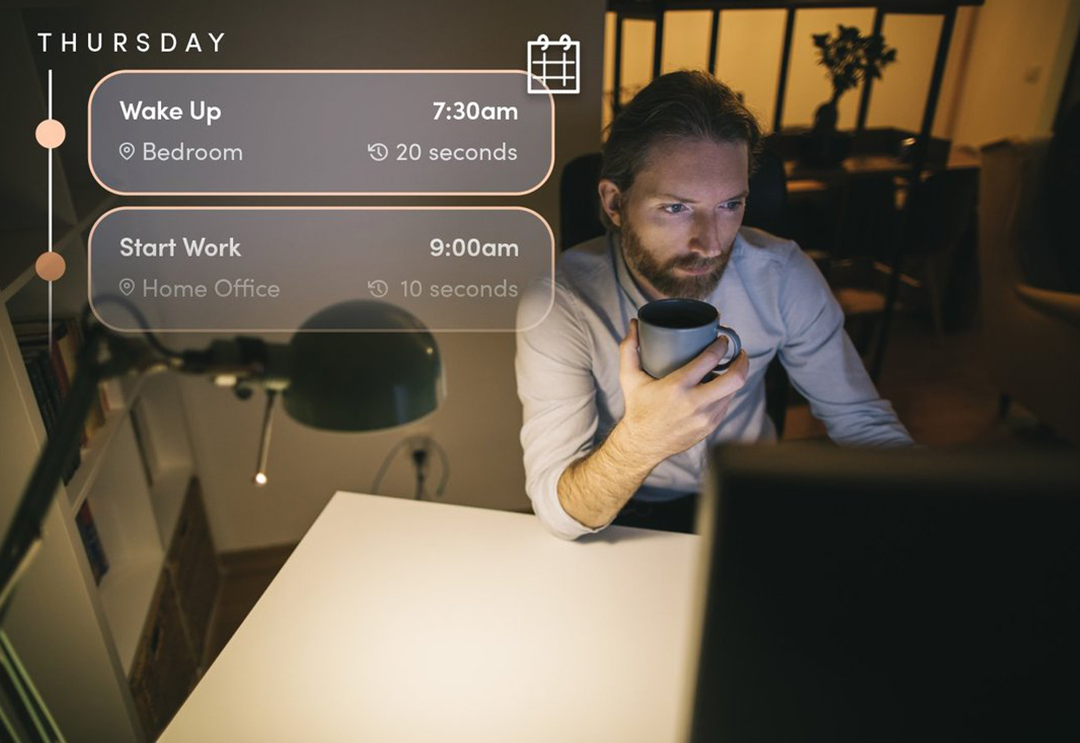
Schedule your routine
Stay accountable and schedule your lights to help maintain a routine. Change the colour of your lights to signal the start of the working day, your lunch break and, maybe most importantly, when it’s time to clock off.
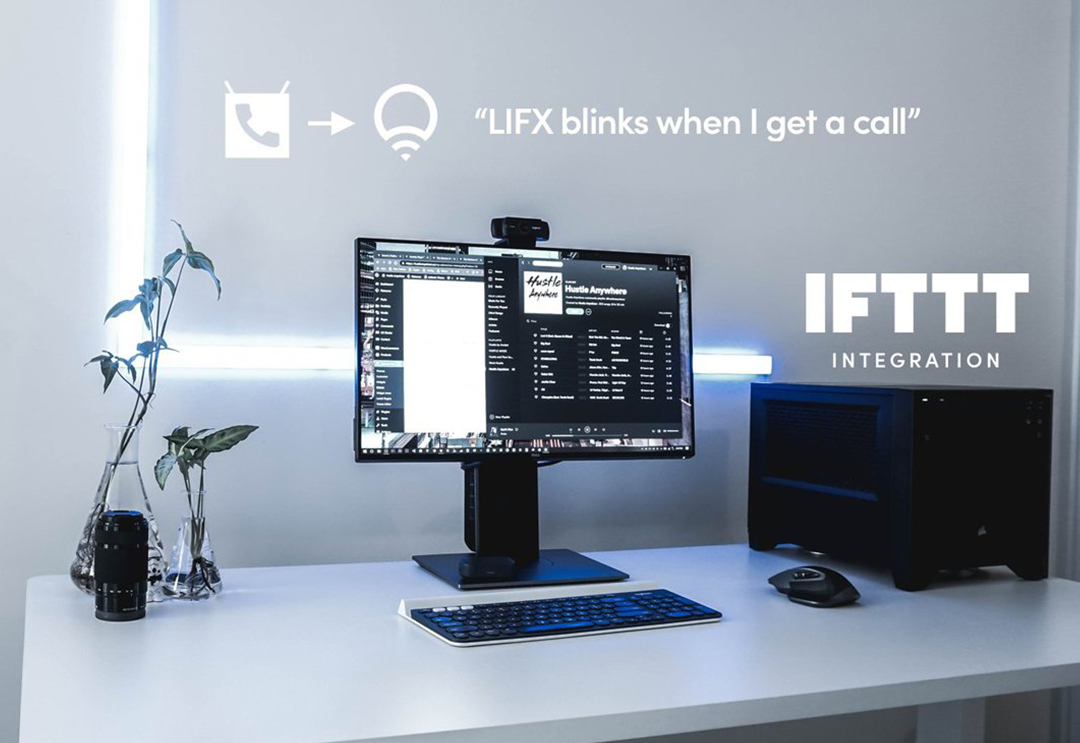
Set up notifications
Connect your lights with platforms like IFTTT or Microsoft Power Automate to set up useful notifications. You lights could blink or colour flash in different ways when you receive notifications from Google, Slack, YouTube and many, many more.

Maintain Focus
Blue or cold light helps you stay awake and concentrated, use this during the day. Then switch to a warmer or amber light in the evening to help wind down.
The story behind LIFX
Integrations Directory.
Learn and discover how LIFX makes connections with your favourite tech, apps, and web services. LIFX & IFTTT
IFTTT is a powerful service that can connect your LIFX bulbs with the apps you love. Connect your LIFX with apps such as Facebook, Twitter, The Weather Channel and even your phone's GPS.
LIFX & Razor
Introducing the LIFX Chroma Connector. An application allows users to connect the entire range of LIFX products to Razer Chroma devices. Available on Razer Synapse 3.
LIFX & Flic
One-click, two-click, hold. Flic can trigger LIFX in three different customisable ways. Dim the lights or trigger dozens of smart home actions with a single click.
Support
For further information about the new app, including FAQ's, tips, guides and more, click here.


Contact Us
34 Kingsford Smith Drive
Rangiora 7400, New Zealand
Call Us: +64 3 741 1339
[email protected]
*Orders that require freight to be calculated at checkout or shipped outside New Zealand are excluded from $1000+GST free shipping.

Proud founder of Scopious IoT
Stay Connected
Follow us. Never miss an update.